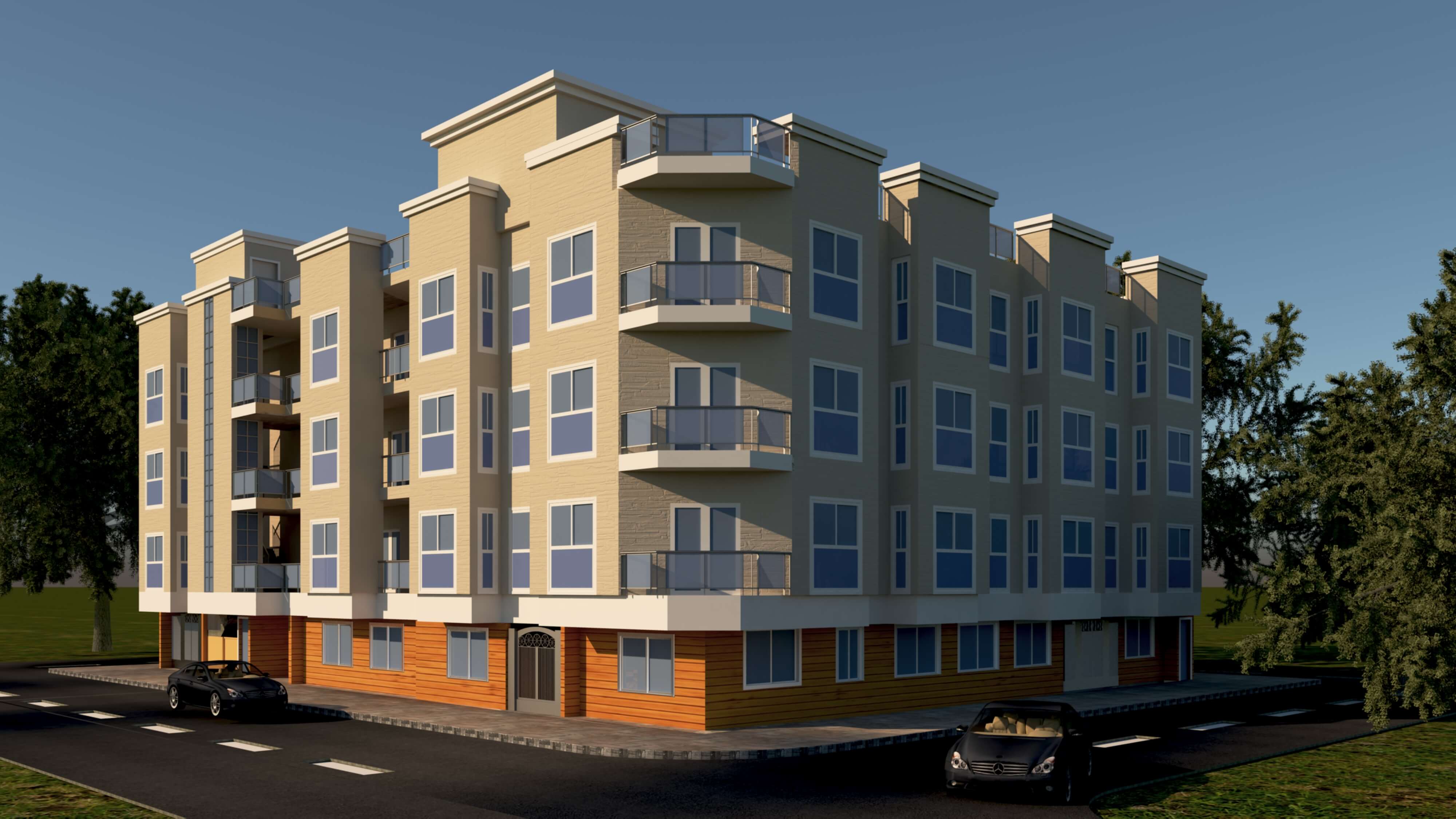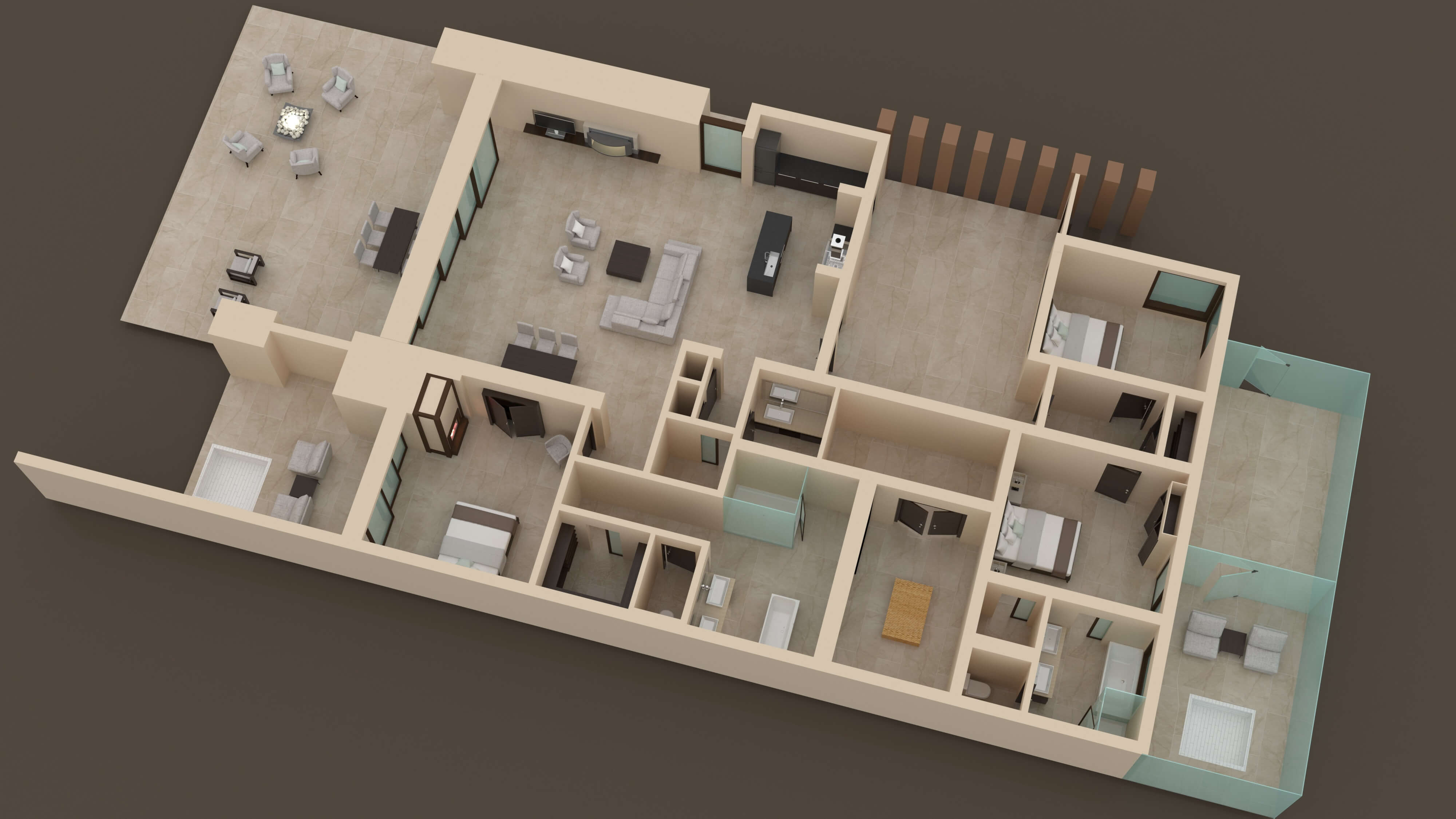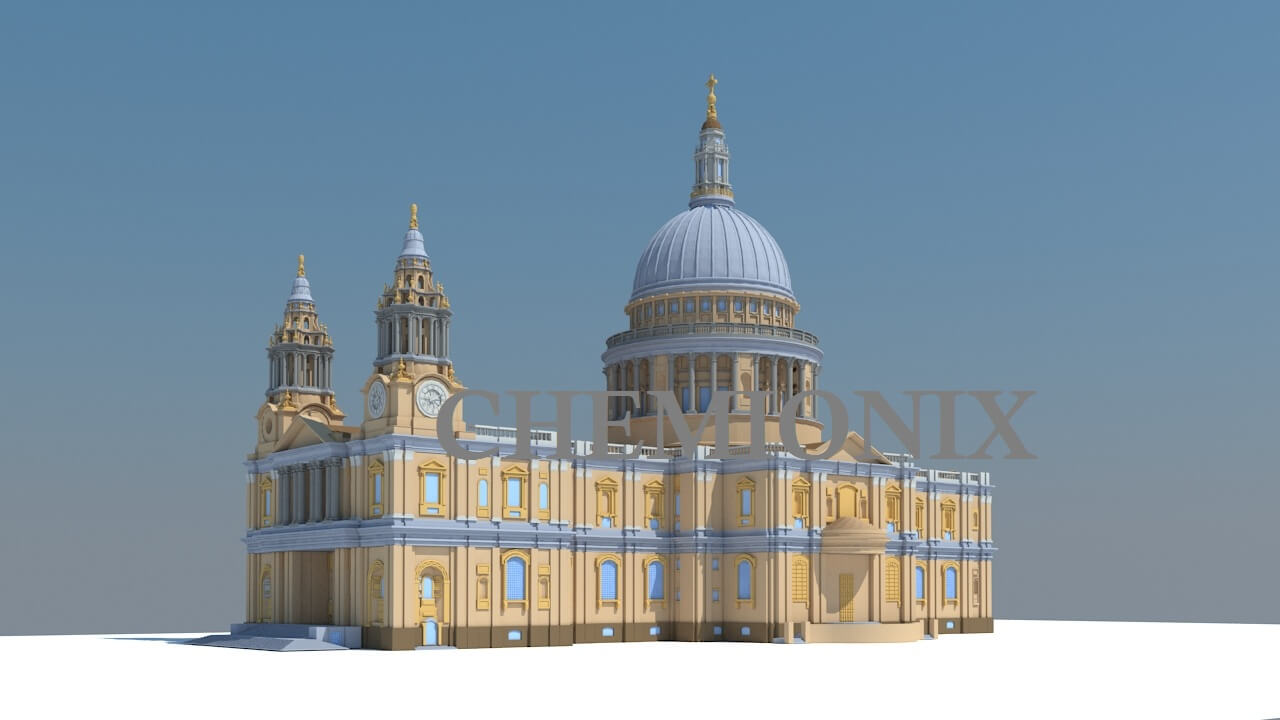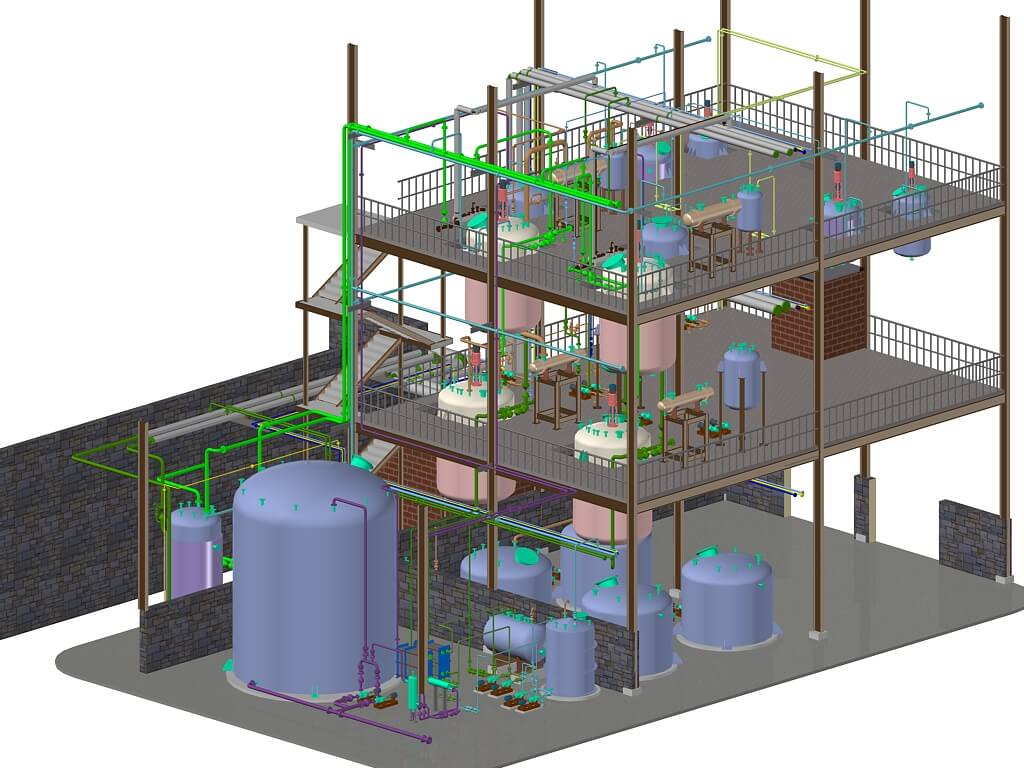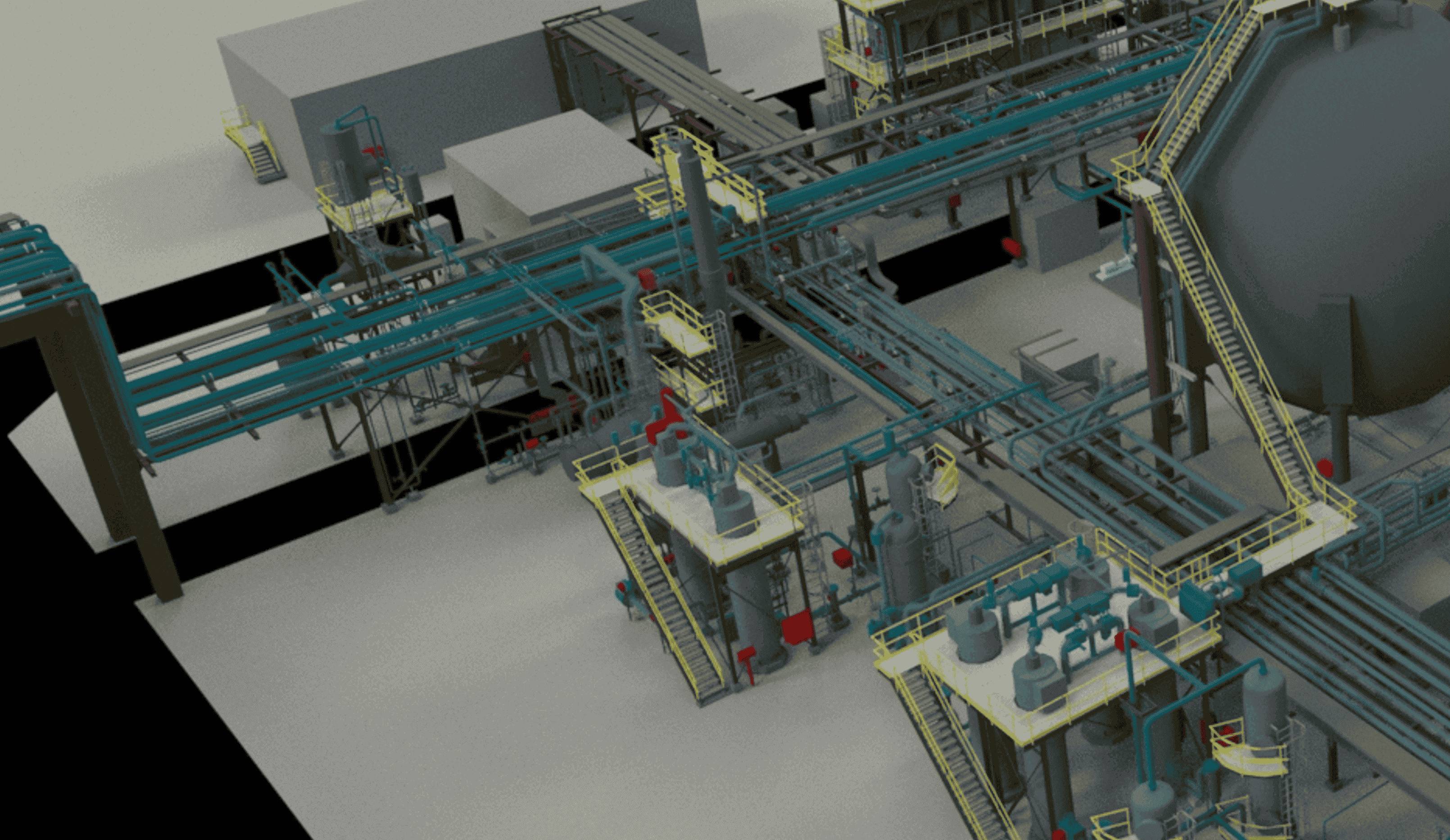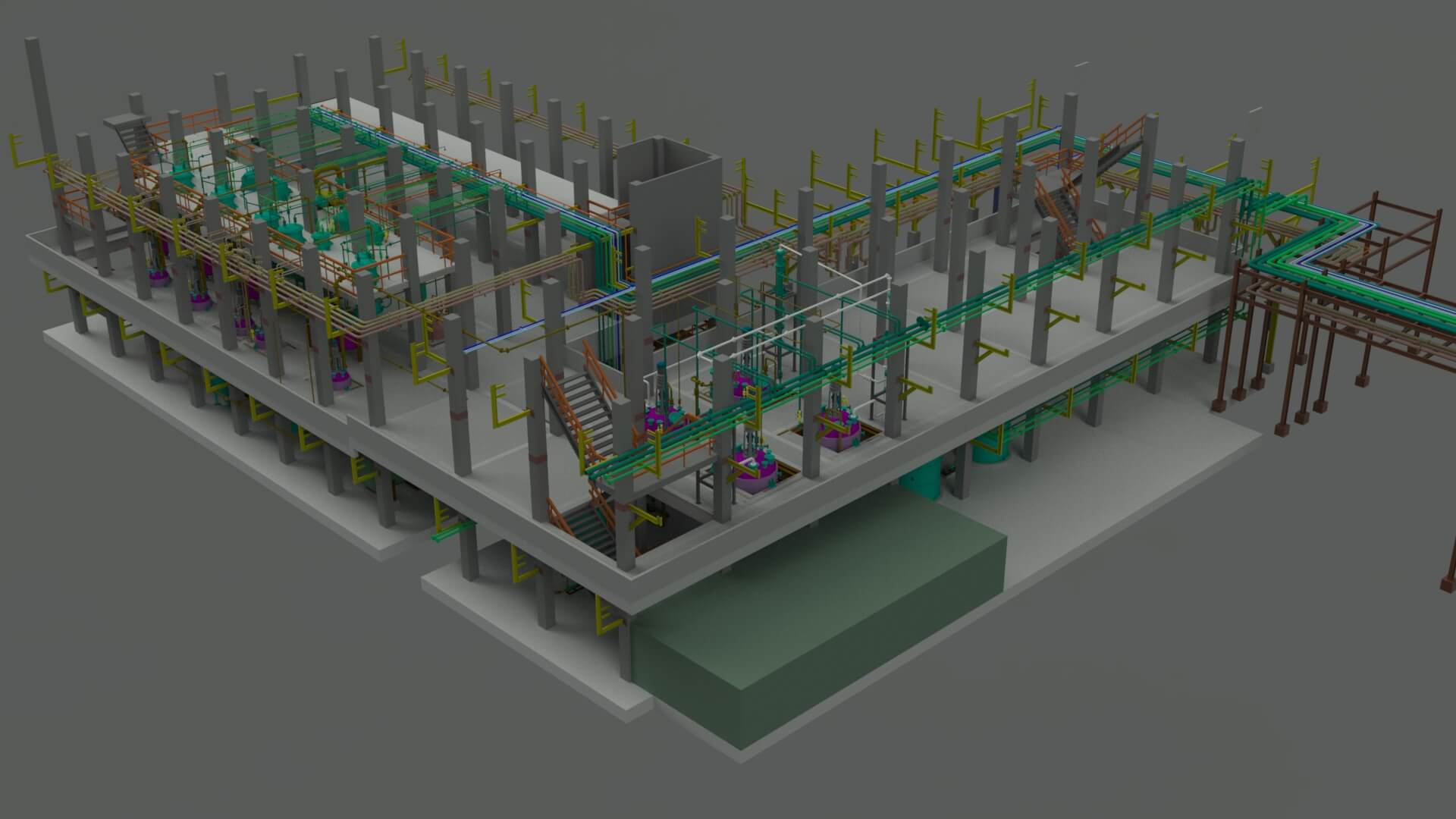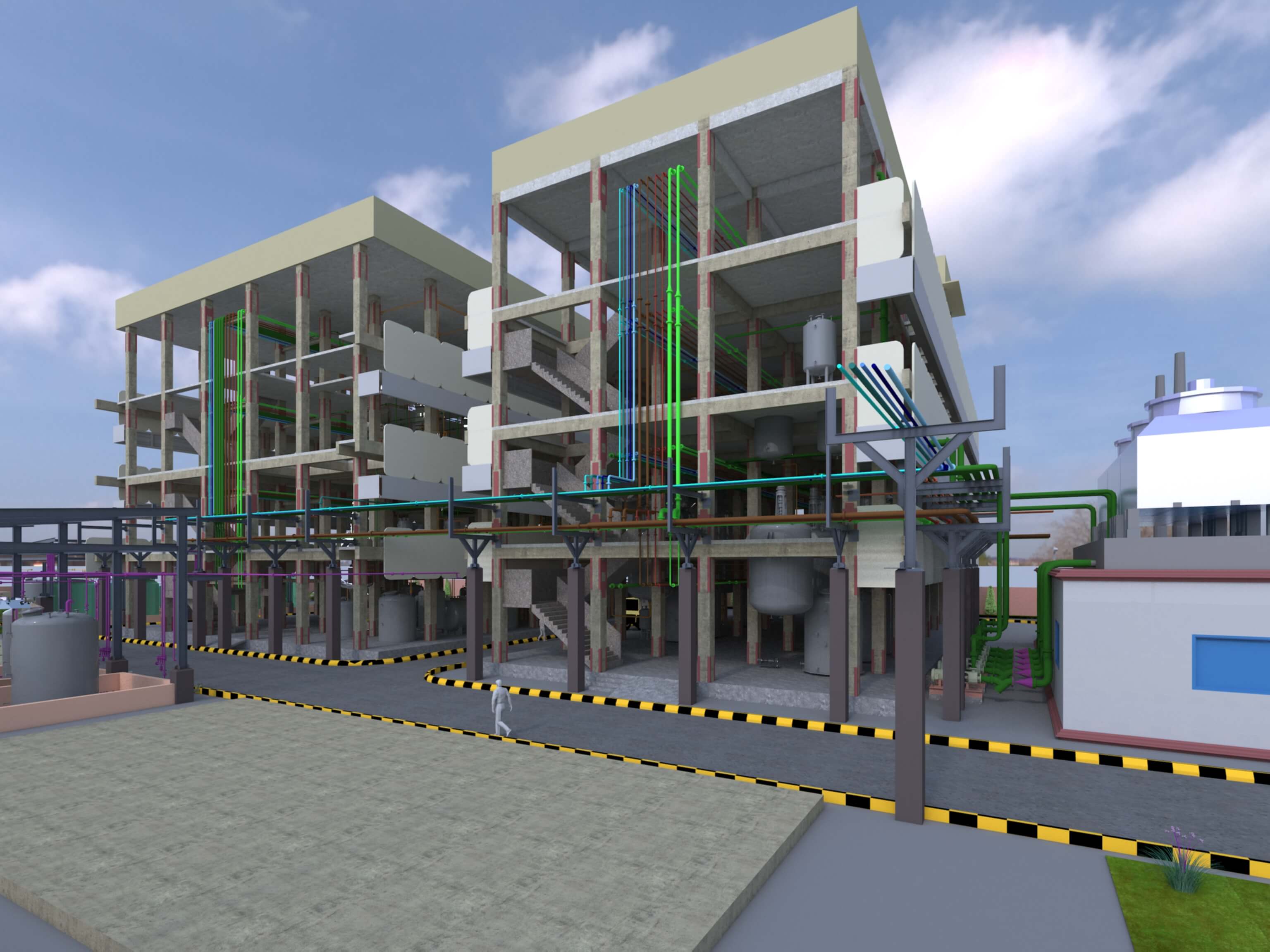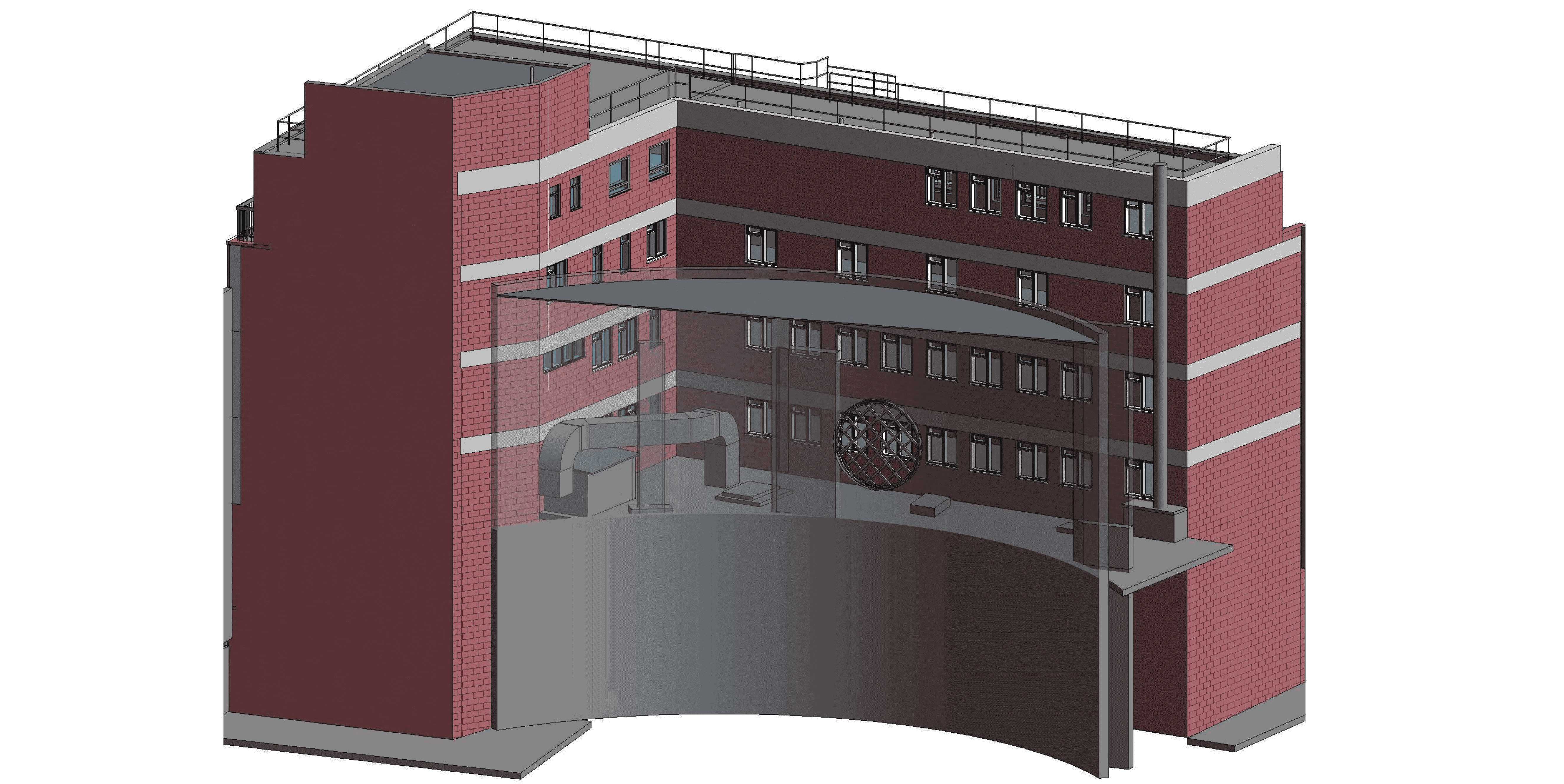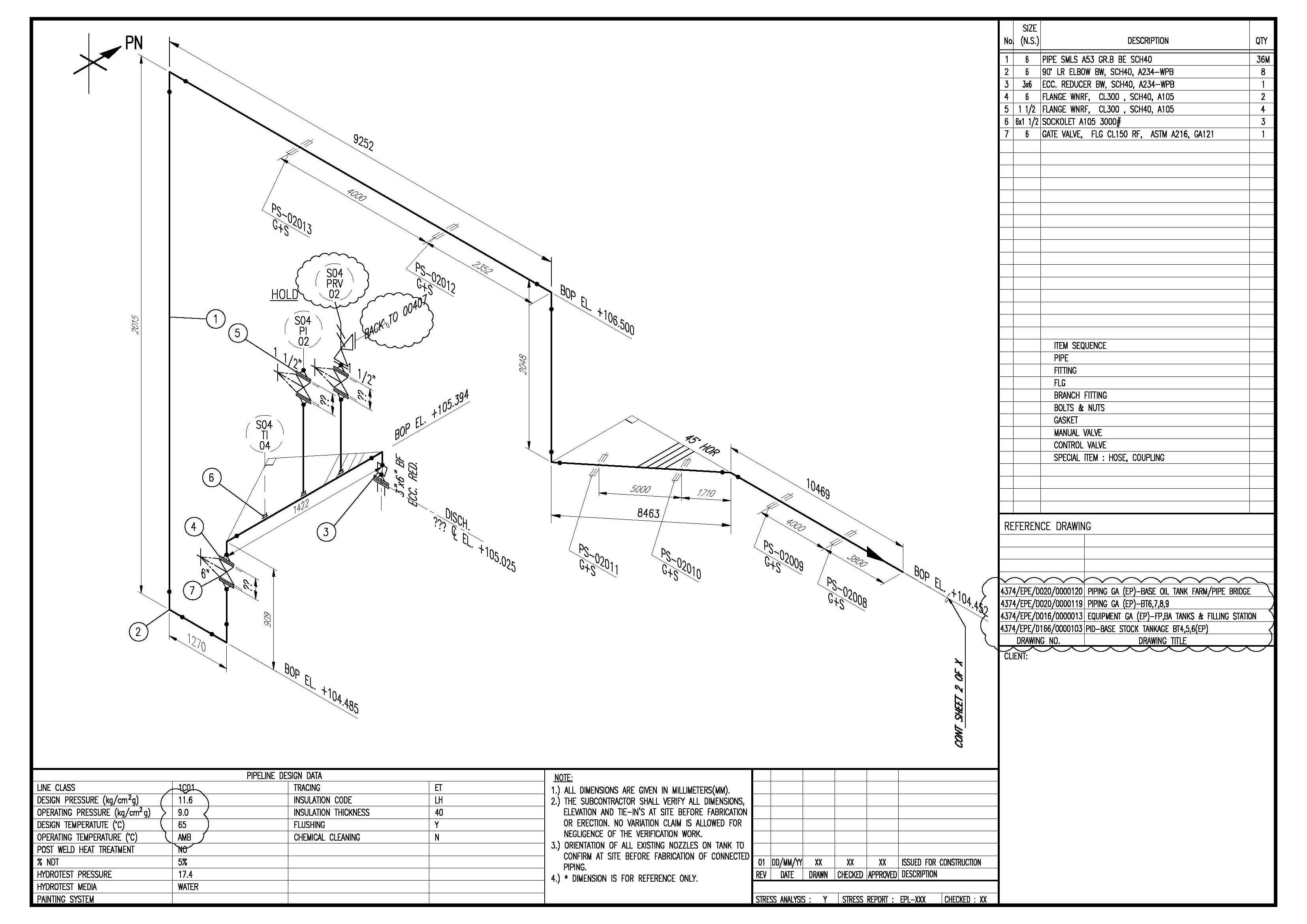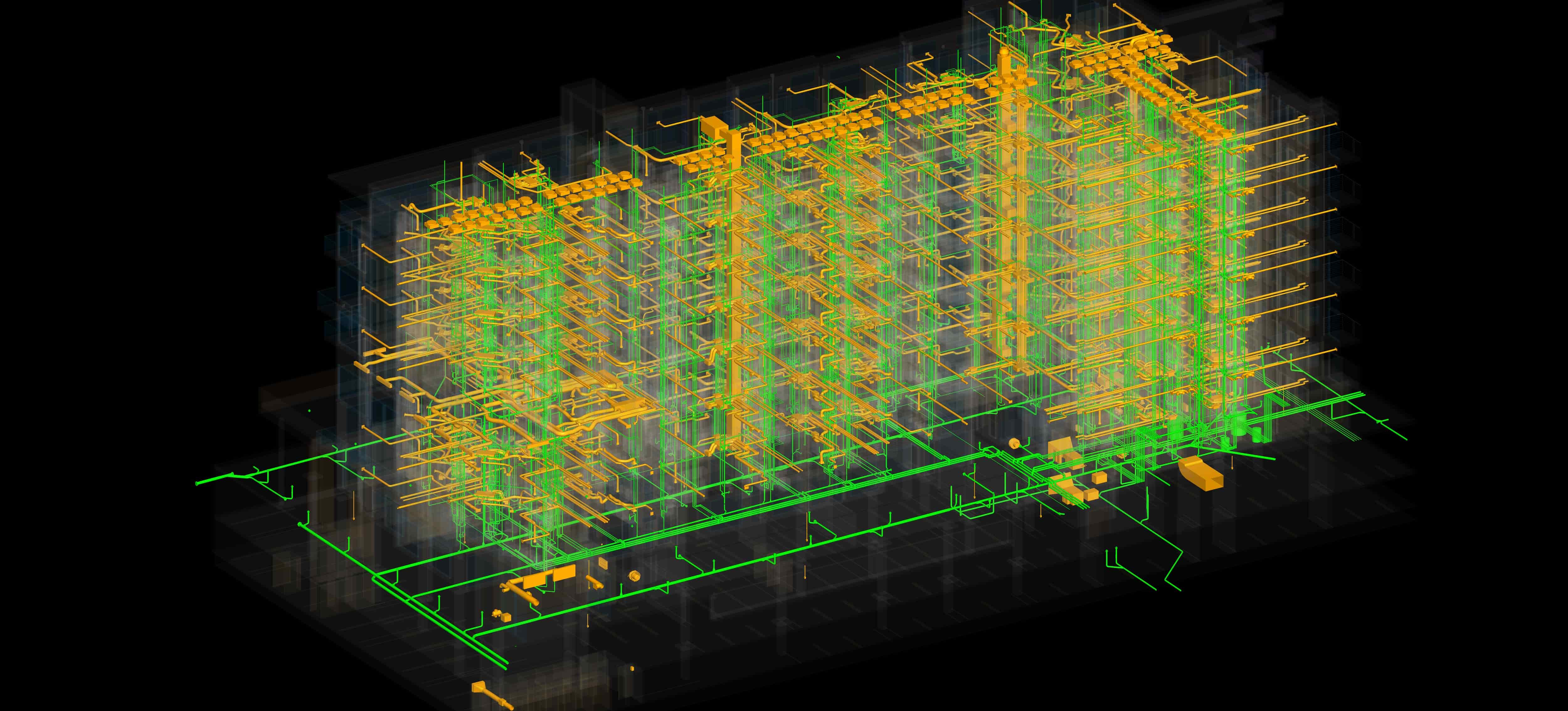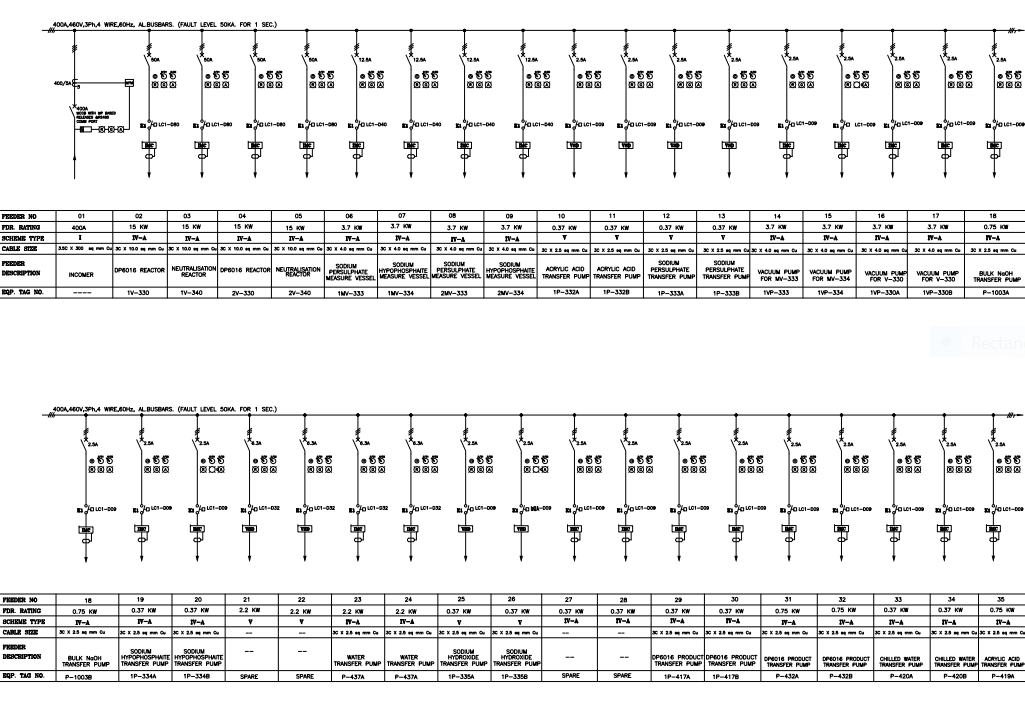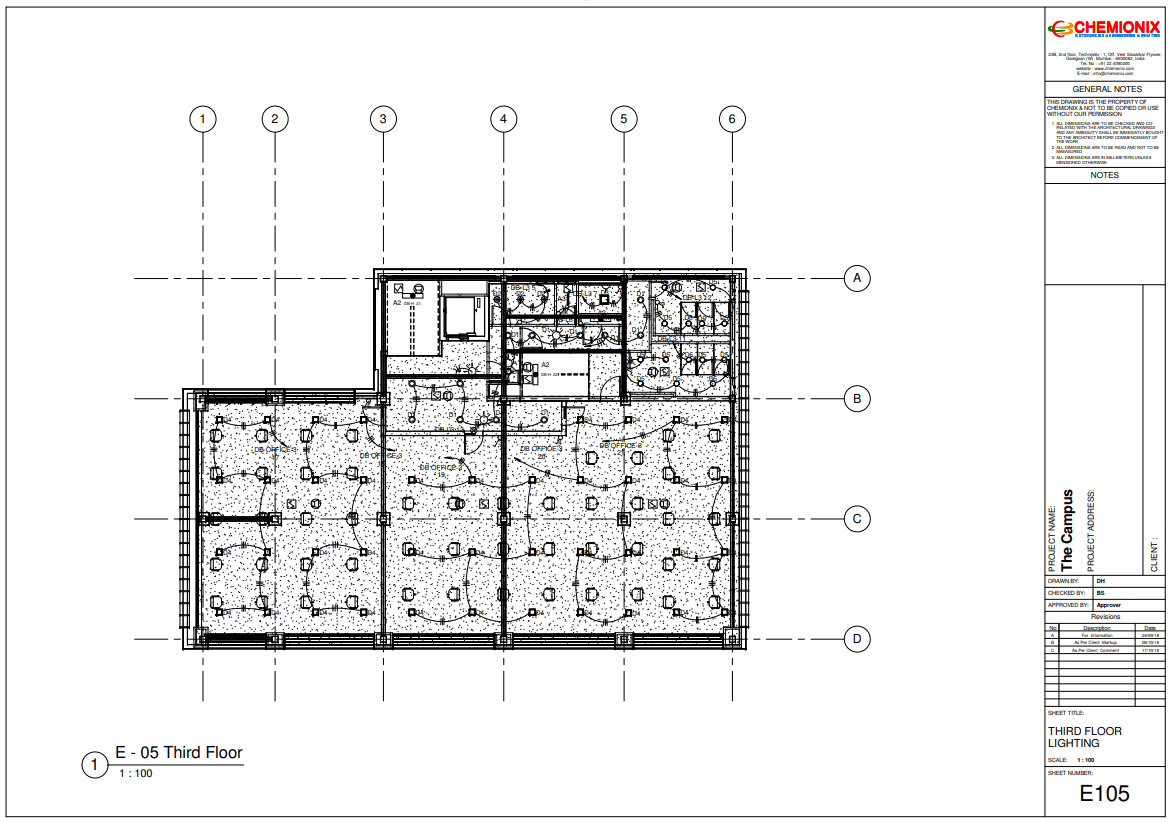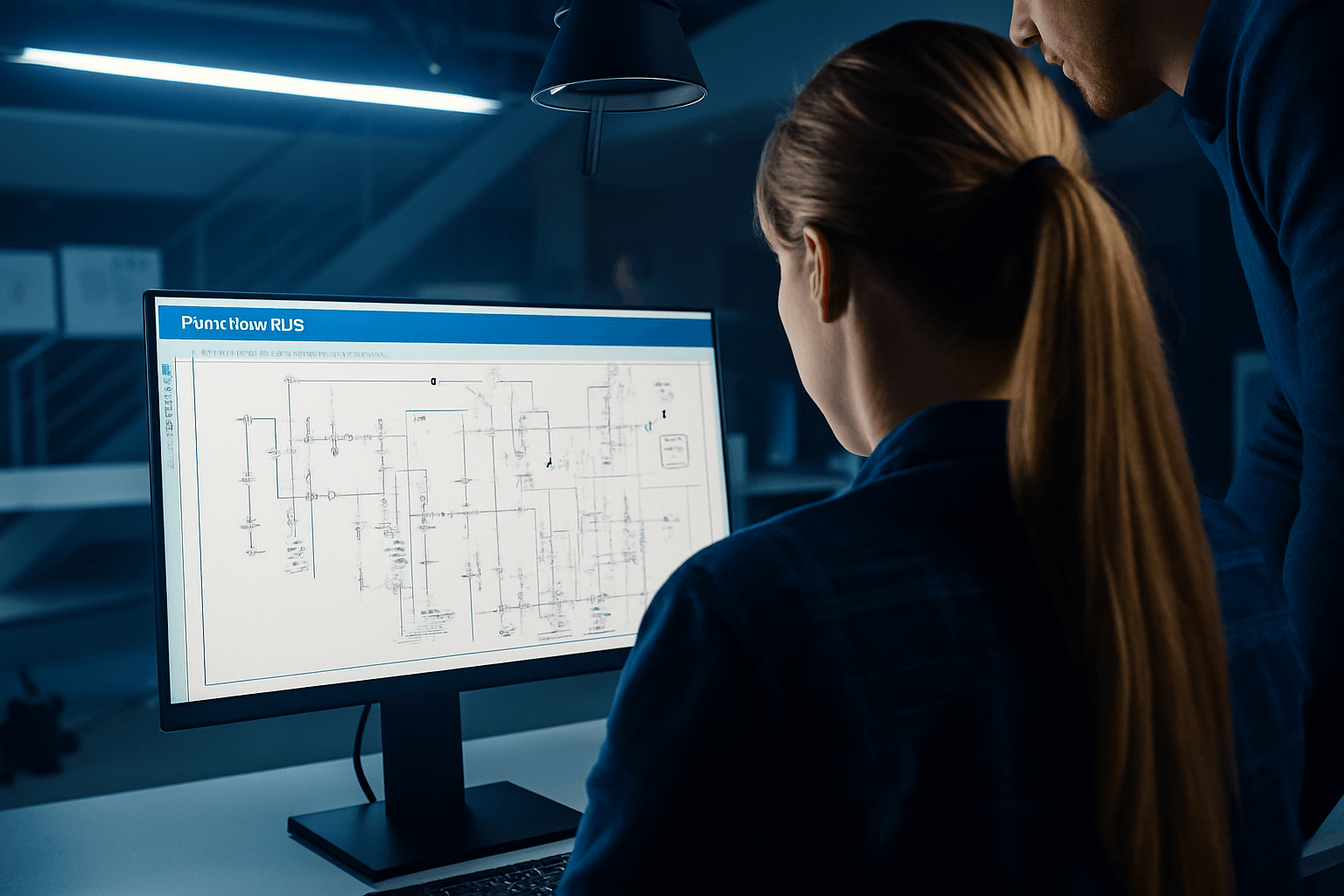
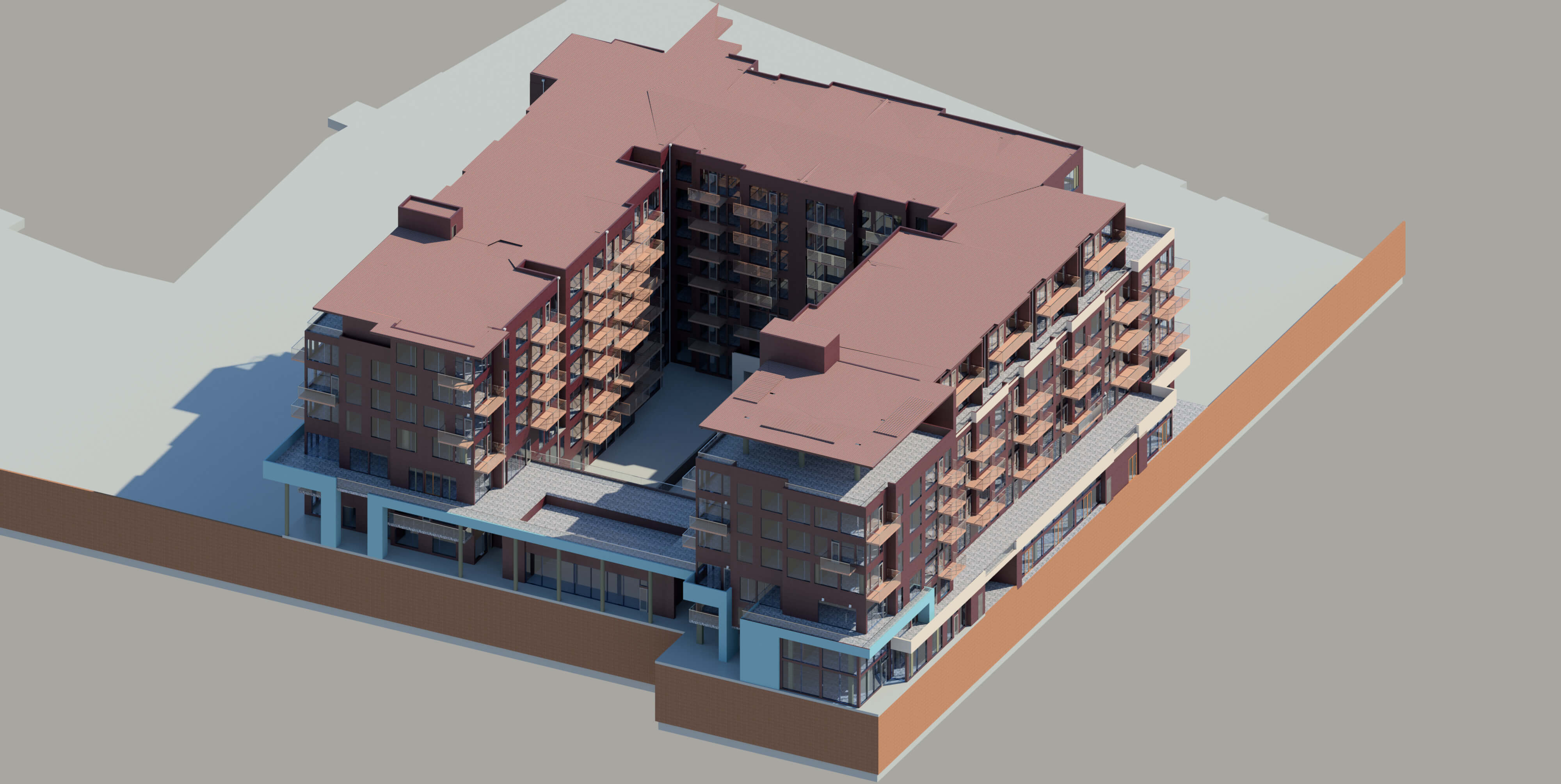
At Chemionix, we recently completed a major engineering digitization project involving the conversion of legacy 2D AutoCAD drawings into intelligent BIM models using Revit software.
The objective was to help our international client modernize their outdated CAD archives by converting them into coordinated and intelligent BIM environments for better facility
management and design reuse. This project highlights our in-house capability to bridge the gap between traditional drafting and modern Building Information Modeling (BIM) workflows.
The scope of the project included the extraction and standardization of 2D CAD layouts (Architectural, Electrical, HVAC, Plumbing) followed by modeling of all services in Autodesk Revit.
Our BIM engineers ensured that all geometry was recreated with precision while integrating parametric data into families and components. In addition to geometry, we configured shared parameters,
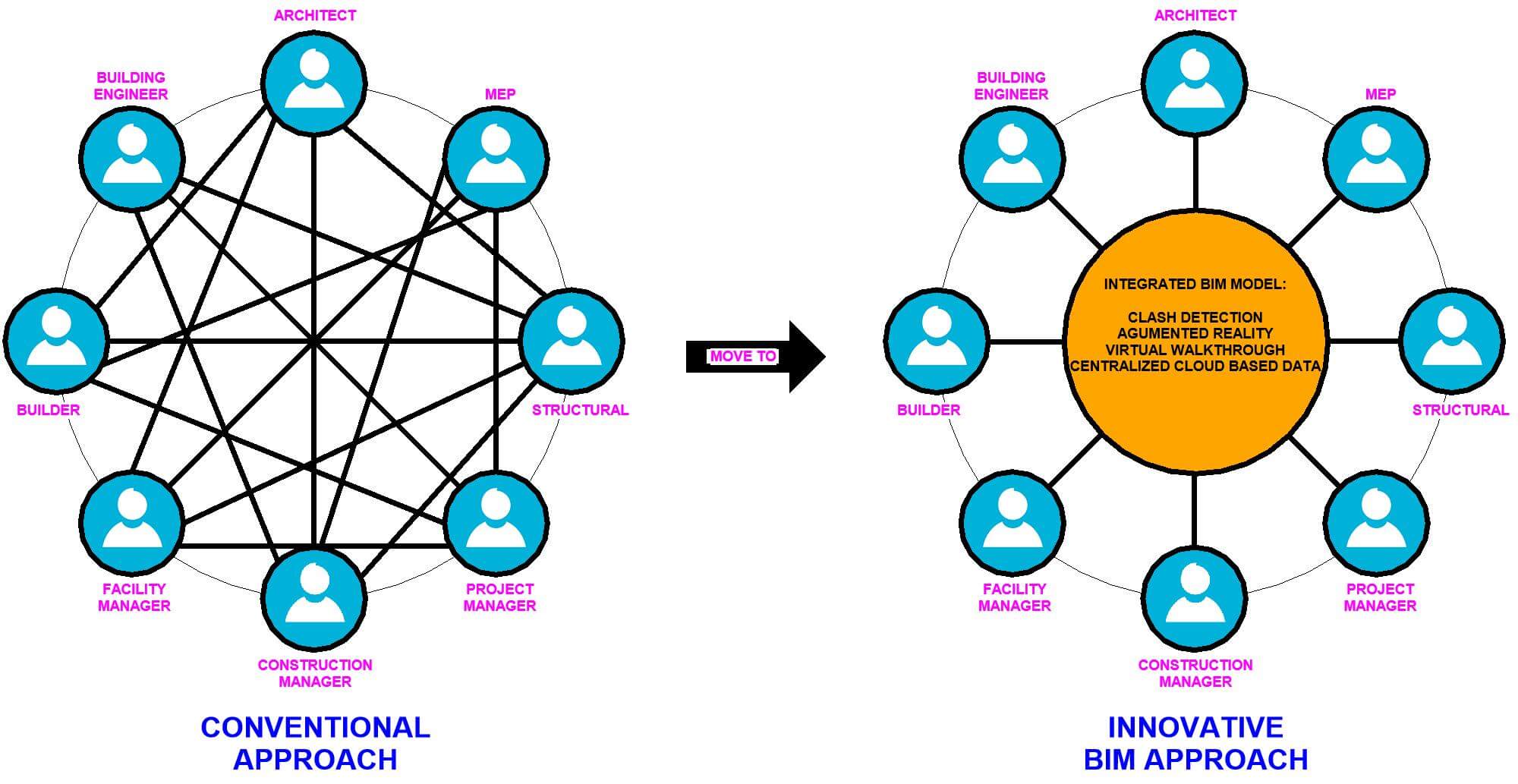
system classifications, and metadata, enabling these models to be used for clash detection, quantity take-offs, and facility management applications. The project also included the setup of
Revit templates, view templates, and worksets for collaborative model development and delivery.
This digital transformation resulted in a fully coordinated BIM model, visually identical to the original drawings but enriched with intelligent data and structured according to industry standards
like AIA & LOD specifications. The client now benefits from faster design iterations, integrated documentation, and future scalability for renovations and facility planning. Chemionix continues to
offer CAD to BIM conversion services tailored to diverse industries such as real estate, industrial plants, and healthcare facilities. If you're looking to digitize your legacy 2D CAD drawings into
intelligent BIM formats, our team is ready to deliver high-precision, cost-effective BIM solutions.
Contact us for working on your BIM Project…